
Quick summary
Handling a negative Google review in the right way
You can’t delete negative Google reviews unless they violate policy. If it’s fake/inappropriate, flag it in your Business Profile.
Reply fast and calmly: apologise and take it offline for real customers; politely dispute fakes. Then get more good reviews so the bad one fades into the background.
Got a bad review on Google? Let’s find out how to deal with it.
Getting negative feedback in the form of a bad review on Google my Business sucks and it can make you feel sick to your stomach and super frustrated.
However, the most important thing is NOT to react while you’re feeling “under the review influence”!
The world won’t end, most businesses get a bad review once in a while and you cannot make everyone happy in this world. Some people are just really hard to please!
It’s not personal even though it might feel that way!
Especially false reviews have got nothing to do with your actual customer experience, and that’s one of the reasons why you should manage your online brand reputation.
Find out how to delete a bad Google review from the Google Map (and if it’s even possible how to get rid of a negative review), how to respond to a review and what to do with fake Google reviews.
What is a good Google review score?
You might think that 5 stars all around is the best score, but research has shown that a review between 4.2 and 4.5 is what people expect to see and experience as great customer service.
If it’s 5 stars, people might suspect that something is not quite right! No one is perfect! This website suggests that a review score between 3.7 and 4.4 can result in more enquiries than a 5 star review score!
Why do I need reviews for my business?
There are many reasons why people decide to buy from your business. One of these reasons is that people trust what other people said about your business in other customer reviews.
If someone has the choice between clicking on the website of a business with 1 review and another with 50 reviews, it’s way more likely that they chose the website with lots of reviews.
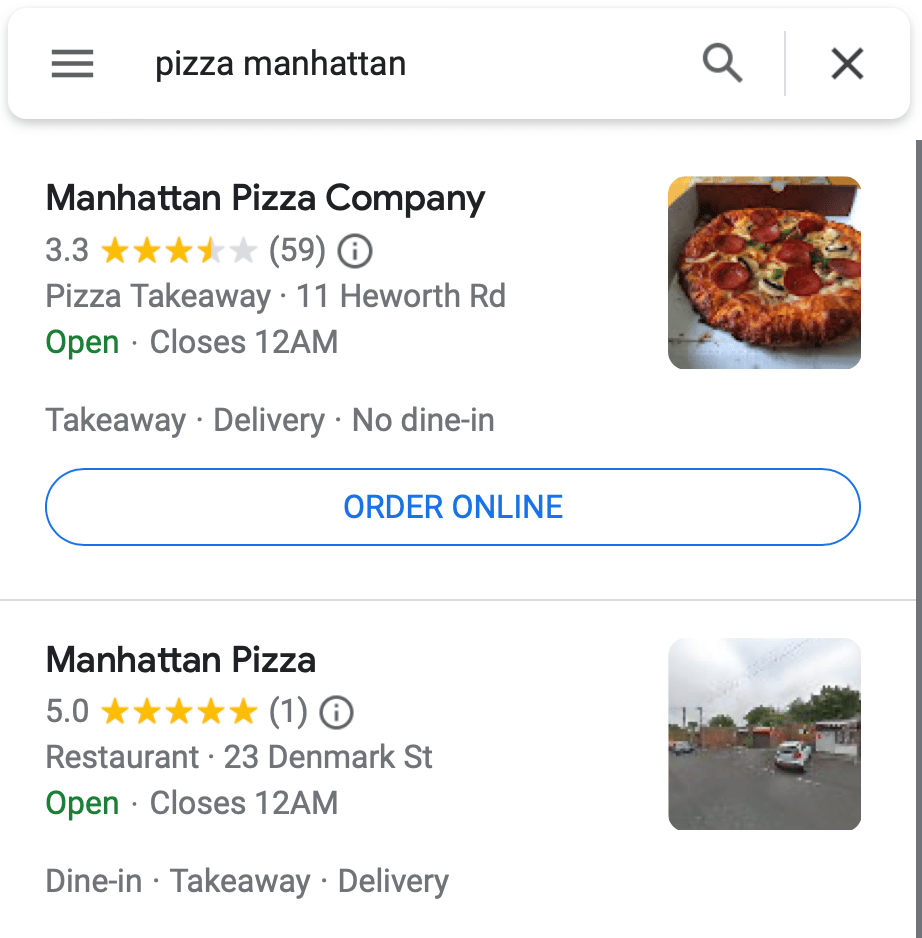
Therefore, if a potential customer is still researching for a company that can help them, your business might not even be considered because it has very few or no reviews at all!
Check this Google result for a random search for Pizza in Manhattan. Which one would you trust more? One 5-star review, or 59 reviews, but not so great?
Your decision will definitely be influenced by the reviews you see online.
Regardless of the size of your business – small business, one-person business or large business – looking after your Google business listing (in your Google My Business Account) should be part of your online reputation management and is also super important for local SEO (search engine optimisation).
Can you delete a bad Google review?
There’s good news and there’s bad news. Bad news first: You cannot simply delete reviews that were posted to your Google Business profile. No business is perfect and Google knows this and allows customers to write an honest review about someone’s experience with your business.
The good news? Log into your Google Business account and report a bad review if you feel it’s a fake review (more about this later), or if it has nothing to do with your business. However, Google only removes reviews that violate Google’s policies. You cannot just request the review removal because you don’t like it or if Google has no chance to verify if it actually is a malicious review or not.
You can find out more about how to remove reviews from your business profile on the Google policy pages on the Google website.
How to remove a negative Google review?
Therefore… the only way to remove a Google review is to flag a review in your Google Business account and report it to Google. You can flag a review as inappropriate, but bear in mind it can take several days to get a response from Google.
How to delete my own Google reviews?
You can edit or delete your own Google reviews you have left for another business. Here’s how:
- Open your browser and make sure you’re logged into your own Google account
- Open Google Maps
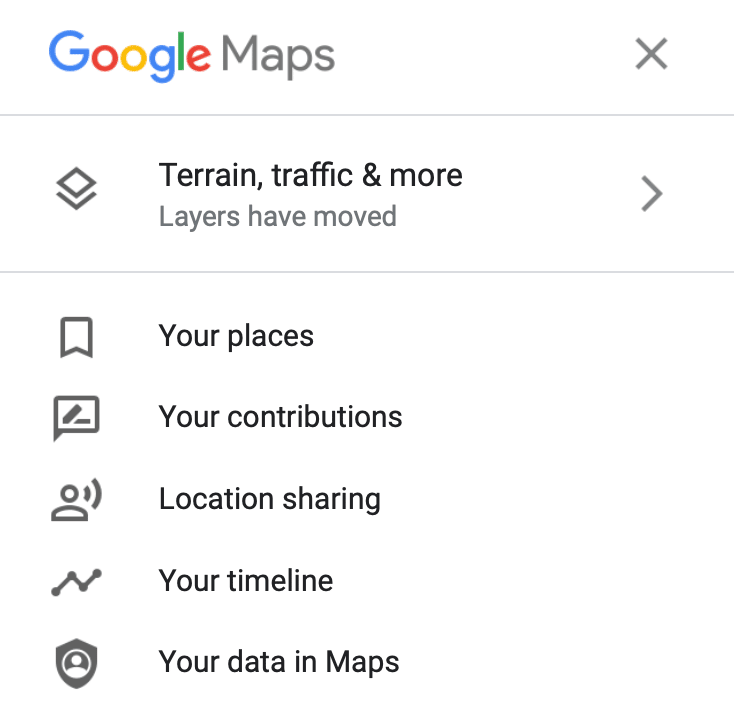
- Top left – click Menu.
- Click Your Contributions and select Reviews.
- Click the three dots in the top right of a review and select the Edit or Delete option.
Summary: How to get rid of a bad review on Google
The only way to get rid of bad Google reviews is by:
- Flagging them as inappropriate to Google (if there is a clear policy violation)
- Contacting the person who has left the review
- Collecting lots more positive reviews so that the bad review looks like an outlier of a disgruntled customer!
How to respond to a bad Google review
You’ve got a bad review, what now?
You need to respond to any review quickly – good or bad!
You need to be especially quick with bad reviews. So make sure you get a notification as soon as someone left a review for you.
How to respond to a negative Google review from one of your existing customers
- Apologise to your customer and suggest to rectify things outside Google. Make your apology publicly available.
- Own up to the mistake and suggest a solution to the problem.
- Contact your client and find out more details and see how you can make them happy by offering additional services.
General rule of thumb for responding to bad Google reviews
- Resond quickly, but take your time formulating your answer! Do not write an emotional reply. Speak with another staff member on how to best respond.
- Make sure your reply is displayed below the negative review. By doing that you demonstrate that in your business you take complaints seriously.
- This is a hard one: Admit you made a mistake. They will respect that you can own up to your mistakes.
- Try to speak to your client and find out more information on how you could have improved your service.
- Show your customers that you care and try and offer a solution.
How to respond to a negative Google review from someone you’ve never done business with
It’s possible a fake review with fake content was submitted by a spammer, a disgruntled ex-employee or a competitor business in the area who tries to damage your reputation.
Check the Google Guidelines if the offensive review can be removed.
First, try to flag the fake reviews as inappropriate. If Google won’t remove it, you should politely call them out on their comment. Here’s an example we found online.
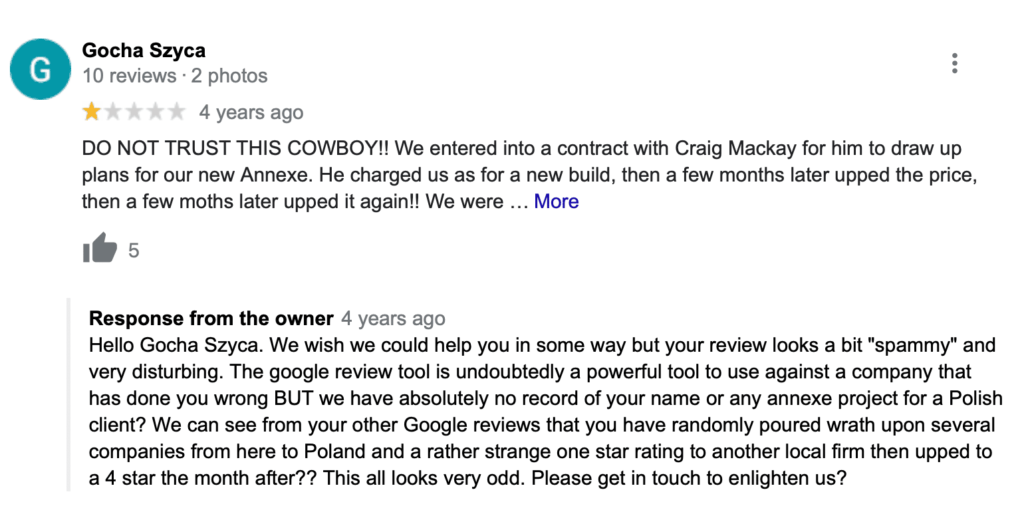
Unfortunately, fake google reviews is something many businesses have to deal with regularly.
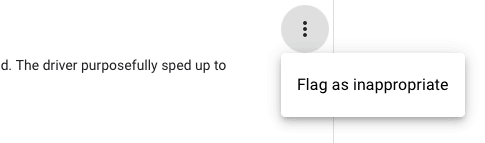
How to flag a Google review for removal
- First, log into your Google Business Profile.
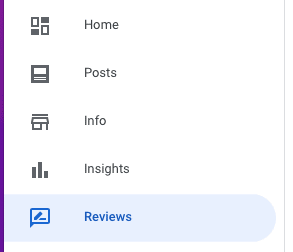
- In the menu on the left, click on Reviews.
- Scroll down to the review you want to flag and click the three dots
- Select the reason why you want to report this review.
- Wait for Google’s verdict which can take a few days.
Google Business
Flag review
Select reason

Google has not removed an inappropriate review – what now?
This can be super disappointing, but the best way forward is to keep requesting reviews from your new and existing customers so that the negative reviews really look odd in comparison to the majority of good reviews.
People are wise nowadays and if someone has a particularly bad rant online, potentially new customers can probably spot this as such. And the good news is – you don’t need 5 stars to keep converting Google visitors into customers!
Start asking existing customers to leave online reviews so you can start improving your online reputation.
Set up a process in your business to ask every new customer to leave a review
This is the best thing you can do!
Let’s say you’re a bathroom installer. Leave a card with your customer and ask them for a positive review on Google. You could give them something in return, such as a voucher (for your business or Amazon or a local supermarket).
You’re selling products online: Send an email a day or two after they received your product and ask for a review. You can send them an incentive for leaving a review.
You’re selling services locally: Contact your customers either by email or letter (postcard) after they’ve received your service and request an online review. You can set up a hidden page on your website that contains the links to your review pages.










